> ## Documentation Index
> Fetch the complete documentation index at: https://docs.slai.io/llms.txt
> Use this file to discover all available pages before exploring further.
# Datasets
> Add data to your sandbox.
You can upload files locally, or connect to your data warehouse directly through an [integration](/integrations/connecting-s3-buckets).
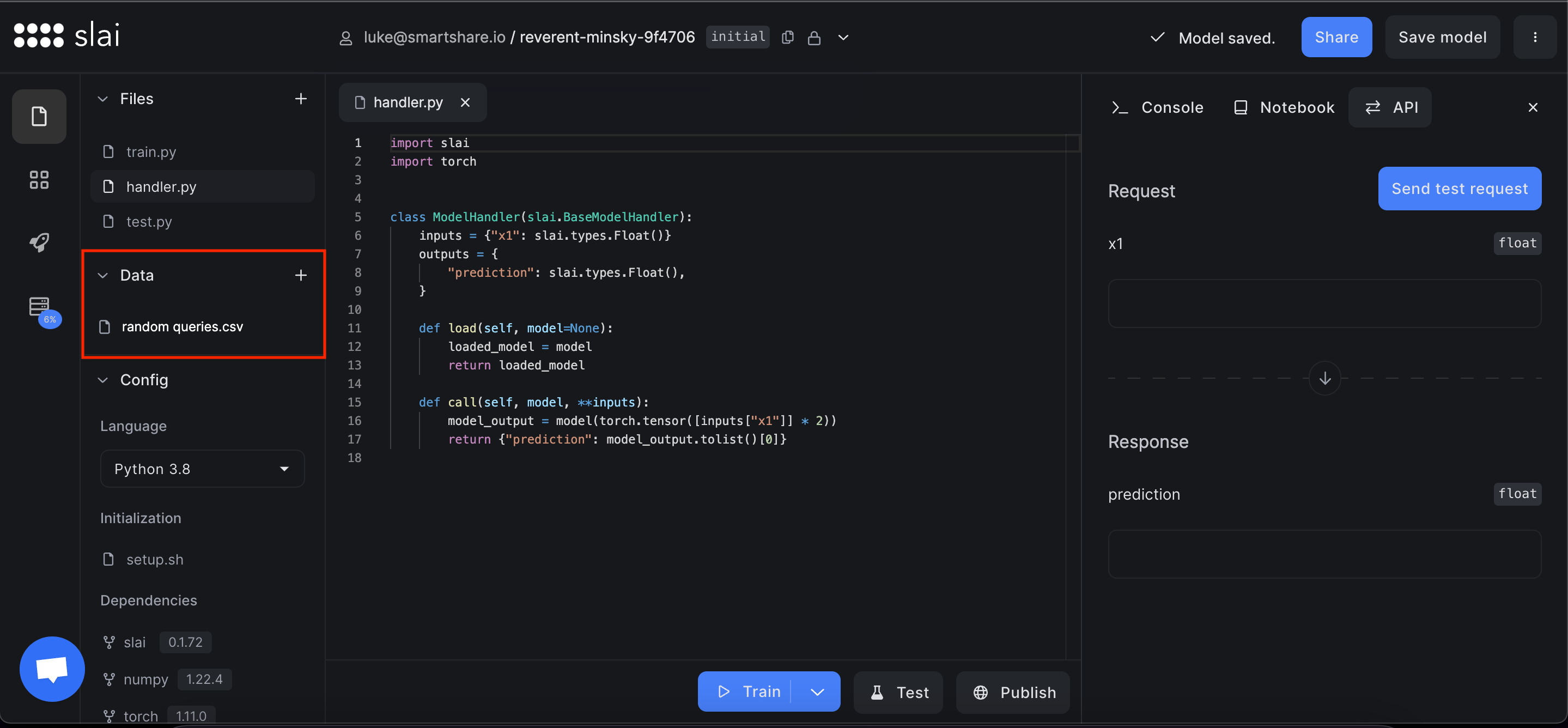 To upload a dataset, click the **plus** button in the data section.
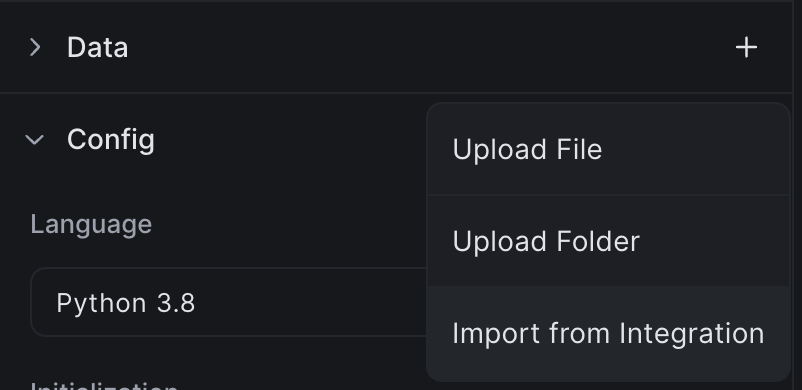 You can upload files locally, or through a [connected data integration.](/integrations/connecting-bigquery)
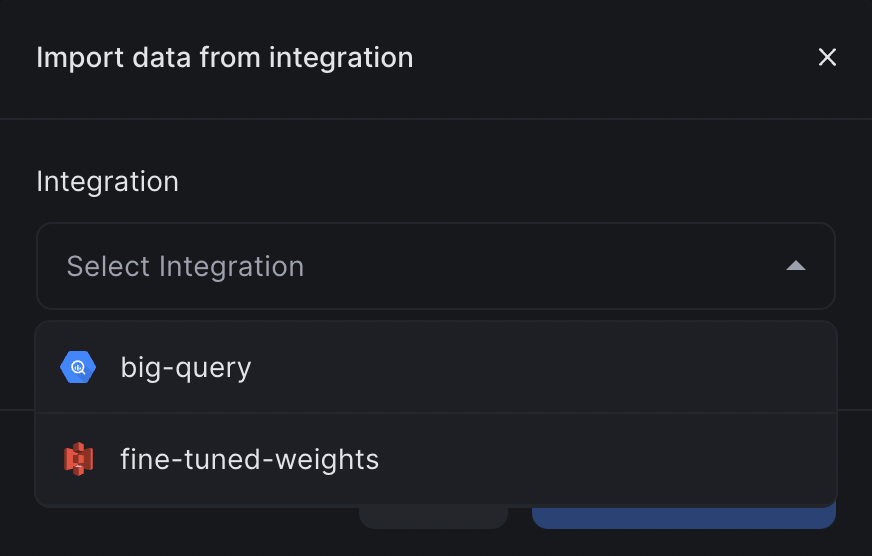 While developing, you can access the dataset in your sandbox through the `/data` path.
You can right click to copy the path to a particular file, or to delete the
file.
While developing, you can access the dataset in your sandbox through the `/data` path.
You can right click to copy the path to a particular file, or to delete the
file.
 ### Dataset Versioning
Slai offers a simple data management system. When you upload a file to your sandbox, Slai will automatically create a diff to keep track of the changes behind the scenes.
### Dataset Versioning
Slai offers a simple data management system. When you upload a file to your sandbox, Slai will automatically create a diff to keep track of the changes behind the scenes.